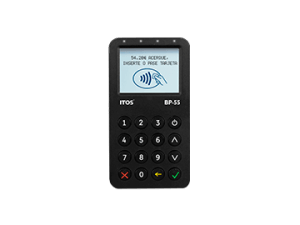
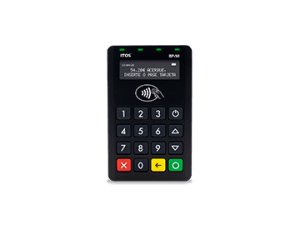
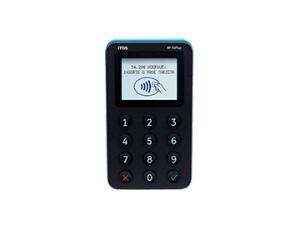

A PIN Pad, or PIN entry device, is an electronic device used in debit, credit or smart card transactions. Its primary function is to accept and encrypt the cardholder’s personal identification number (PIN).
Magnetic stripe cards
Contactless reading: Some Smart POS terminals are compatible with proximity cards, such as RFID (radio frequency identification) cards. These cards allow for contactless transactions, which is especially useful in fast-paced payment environments.
Smart cards: They can support smart cards, which are cards with built-in microprocessors. These cards are used in advanced applications, such as secure identification and service access systems.
Smart cards: They can support smart cards, which are cards with built-in microprocessors. These cards are used in advanced applications, such as secure identification and service access systems.
It is important to check the specifications of the specific Android POS terminal you are considering to ensure that it is compatible with the types of cards you want to accept in your business.